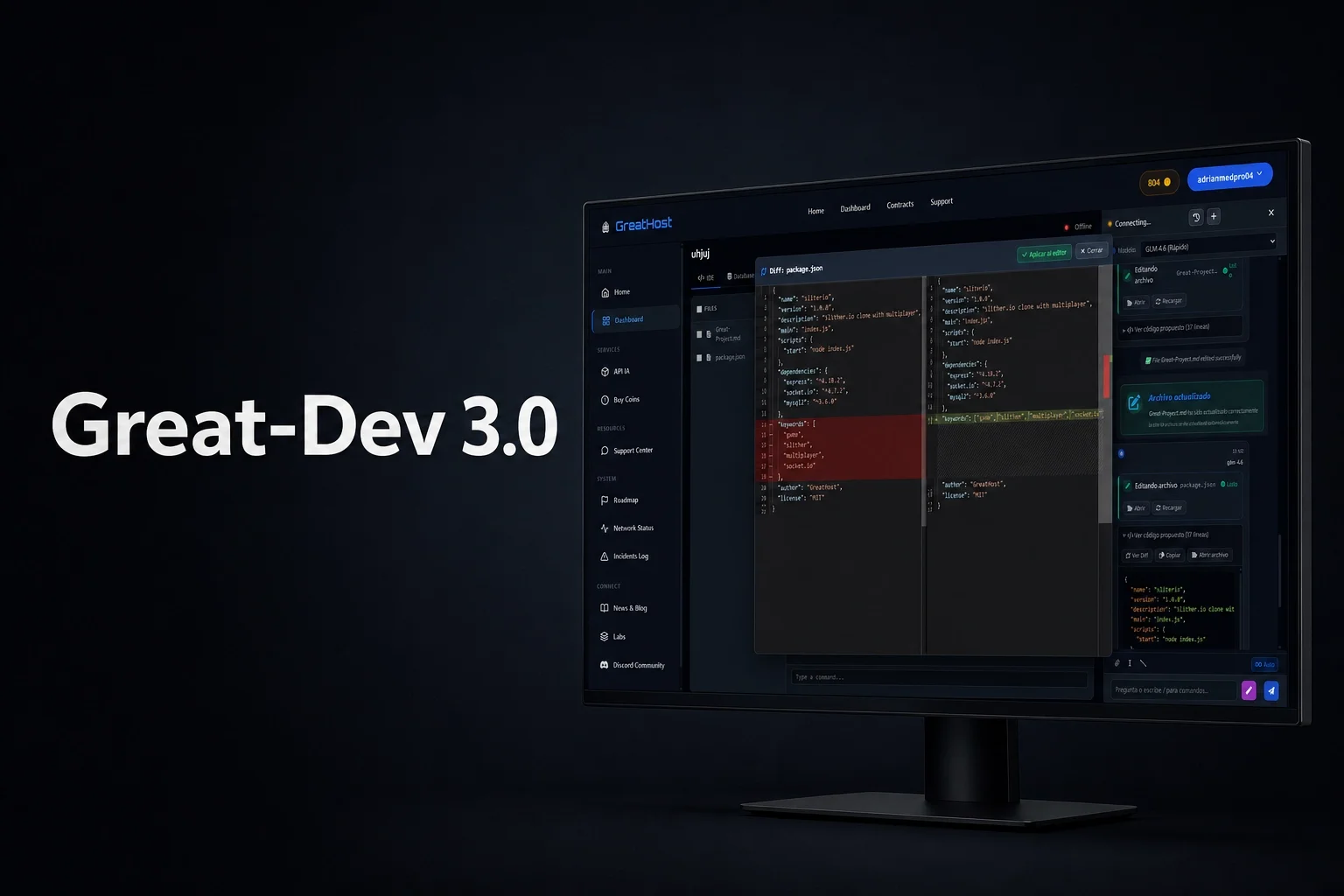
Great-Dev 3.0 is now rolling out to the GreatHost Web IDE
Over the last few months we have been rebuilding large parts of the internal architecture behind the GreatHost Web IDE to solve one of the biggest limitations of traditional AI coding assistants: lack of real project awareness.
Great-Dev 3.0 is a major step in that direction.
The update is now being deployed progressively inside the browser-based IDE available at https://greathost.es/ and includes both UI and backend improvements.
New AI architecture
Great-Dev 3.0 introduces a redesigned orchestration layer for the AI models running inside the IDE.
This allows:
• Faster response times
• Better automatic model selection depending on the task
• Improved stability during long generations
• Better context handling between files
• Lower latency during iterative workflows
The system is now also significantly better at maintaining continuity while working across multiple files and consecutive edits.
Project indexing system
One of the biggest additions in this release is the new internal indexing system.
The IDE can now analyze and index project files directly from the workspace to improve contextual understanding and reduce inconsistent or out-of-context generations.
This allows the AI to:
• Detect project structures
• Understand relationships between files
• Maintain naming and logic consistency
• Work better with large codebases
• Generate more accurate modifications
Indexing is handled directly inside the IDE environment and is now part of the new Great-Dev 3.0 workflow.
More integrated and agentic AI behavior
Another major goal of this update was reducing friction between the developer and the AI assistant.
Instead of behaving like a separated chatbot, Great-Dev 3.0 is now deeply integrated into the editor, filesystem and workspace flow.
The AI can now:
• Edit files directly
• Propose structured changes
• Work across multiple parts of the project
• Handle chained development tasks
• Maintain better awareness of the current workflow
This creates a much more natural and faster development experience directly from the browser.
UI and developer experience improvements
Several parts of the IDE interface were also redesigned.
Changes include:
• New visual diff system
• Improved sidebar management
• Faster navigation between files
• Editor and rendering optimizations
• General UI and workflow improvements
• Better integration between console, editor and AI assistant
The objective was to make the IDE feel significantly more responsive, stable and usable for larger projects.
Progressive rollout
The update is being enabled progressively across all accounts in order to monitor stability and performance during deployment.
Some features may temporarily vary depending on account rollout status while the deployment continues.
We are still actively working on additional Great-Dev capabilities, and several major features are already planned for future releases.